Nov 28, 2025
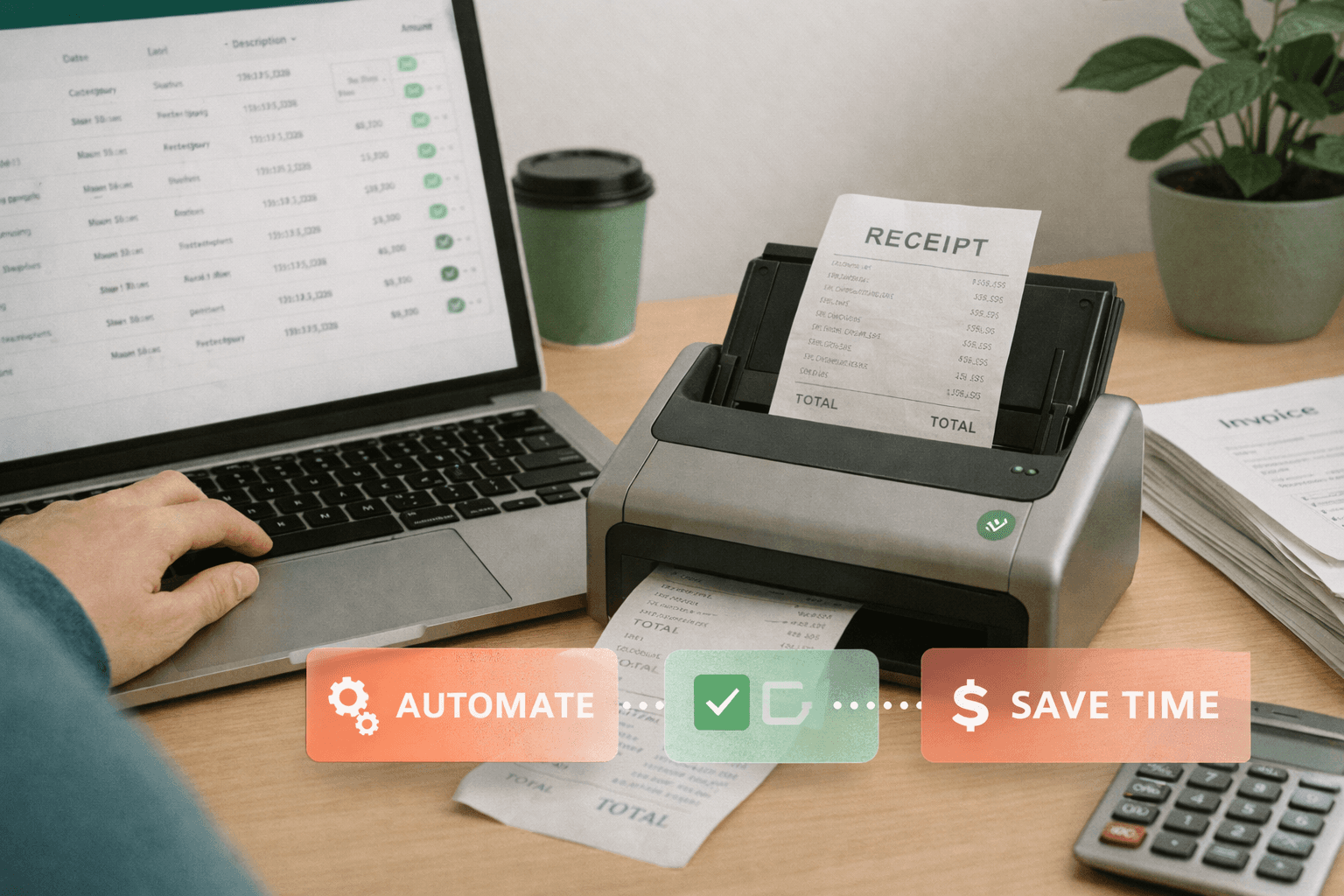
Executive Summary: Managing invoices manually creates errors, delays, and unnecessary workload for small and medium businesses. An invoice management system automates invoice collection, validation, approval, and storage-saving time and improving accuracy. This article explains what an invoice management system is, how it works, and how a modern solution like DoxBox helps businesses automate finance operations with minimal effort.
Running a business means dealing with countless invoices from suppliers, contractors, and service providers. If you're still managing these through email attachments, paper files, and spreadsheets, you're wasting valuable time and risking costly mistakes. An invoice management system changes everything by automating the entire process from start to finish.
What Is an Invoice Management System?
An invoice management system (IMS) is a digital platform designed to automate the end-to-end lifecycle of an invoice-from collection, validation, approval, and payment to secure storage and auditing. Instead of relying on email attachments, folders, spreadsheets, and manual checks, an IMS centralizes everything in one place.
Think of it as your digital invoice headquarters. Every invoice that comes into your business-whether through email, WhatsApp, scanned documents, or direct upload-gets automatically captured, organized, and processed according to your business rules.
With DoxBox, invoices from email or WhatsApp are automatically captured, scanned with OCR, categorized, and routed to the right person. No manual sorting, no data entry, no chasing people for approvals.
How Invoice Management Systems Work
Modern invoice management software follows a simple flow:
Capture: Invoices arrive through multiple channels (email, WhatsApp, upload, scan)
Extract: OCR technology reads the invoice and pulls out key data automatically
Validate: The system checks for duplicates, errors, and missing information
Route: Invoices are sent to the right approver based on your rules
Store: Approved invoices are archived in a searchable database
Report: Track spending, payment status, and cash flow in real-time
This entire process happens automatically, reducing what used to take 20-30 minutes per invoice down to just 2-3 minutes.
Key Features of an Invoice Management System
When evaluating invoice automation systems, look for these essential capabilities:
1. Automated Invoice Capture
Instead of downloading files manually from different sources, the system collects invoices automatically from email, WhatsApp, scans, or uploads. DoxBox supports multi-channel ingestion, which is ideal for small businesses receiving invoices from many sources. Your suppliers can send invoices however they prefer, and everything ends up in one organized place.
2. OCR and Data Extraction
Modern invoice management software platforms read invoices and extract fields like supplier name, invoice number, amount, VAT, line items, and due date. This eliminates manual data entry and reduces errors dramatically. Even handwritten invoices or poor-quality scans can be read accurately.
DoxBox's OCR technology handles invoices in multiple languages and formats, learning to recognize your specific suppliers and improving accuracy over time.
3. Centralized Storage and Search
Invoices are stored in a searchable cloud archive with filters, tags, and version control. Find any invoice in seconds by searching for supplier name, amount, date, or even text within the invoice. No more digging through email or filing cabinets.
4. Real-Time Reporting
See your entire invoice situation at a glance with dashboards showing:
Pending invoices awaiting approval
Payment schedule for the week/month
Spending by category or supplier
Cash flow forecasts based on due dates
5. Integration with Accounting Software
Your invoice tracking system should sync seamlessly with QuickBooks, Xero, Sage, or whatever accounting software you use. This eliminates double entry and ensures your books are always current.
Key Benefits of Using an Invoice Management System
1. Dramatically Less Manual Work
Automation saves hours each week by eliminating repetitive tasks. Instead of:
Downloading invoices from email
Typing data into spreadsheets
Forwarding invoices for approval
Filing paper or digital copies
Creating payment schedules manually
Your team focuses on exceptions and strategic work while the system handles routine processing. Most businesses save 15-20 hours per week on invoice management alone.
2. Significantly Fewer Errors
Manual data entry has error rates of 1-3%. These mistakes cause:
Duplicate payments
Incorrect amounts paid
Lost early payment discounts
Supplier disputes and relationship damage
Reconciliation headaches
Automatic validation and data consistency checks in digital invoicing solutions reduce errors to under 0.1%, saving money and preserving supplier relationships.
3. Better Cash Flow Visibility
Small businesses often lack clear visibility into upcoming expenses. An invoice management system gives you:
Complete view of all outstanding invoices
Payment schedule showing when money goes out
Spending trends by category and supplier
Early warning of cash flow crunches
This visibility helps you plan better, negotiate with suppliers, and avoid surprises.
4. Stronger Compliance and Audit Readiness
When audit time comes, having organized, searchable invoices with complete history makes the process painless. Audit trails show:
Who received the invoice and when
Who approved it and when
Any changes or notes added
Payment details and confirmation
Controlled access and secure storage support regulatory requirements, while digital records are easier to produce than boxes of paper files.
5. Improved Supplier Relationships
Late payments and lost invoices damage supplier relationships. Cloud invoice management ensures:
Invoices never get lost
Payments happen on time
Suppliers can track status through portals
Disputes are resolved quickly with complete records
Happy suppliers often mean better terms, priority service, and volume discounts.
Before and After: The Impact of Using DoxBoxHow to Implement Invoice Management Successfully
Step 1: Connect Your Channels
Start by connecting all the places invoices come from:
Forward your supplier emails to a dedicated DoxBox address
Connect your WhatsApp Business account
Set up scanner integration for paper invoices
Enable direct upload for your team
DoxBox handles the technical setup, so you're collecting invoices within minutes.
Step 2: Define Your Approval Rules
Map out who approves what. Keep it simple:
Set approval thresholds by amount
Assign approvers by department or supplier type
Define exceptions that need special handling
DoxBox's visual workflow builder makes this intuitive-no programming required.
Step 3: Train Your Team (10 Minutes)
Modern tools like DoxBox are simple and intuitive. Most users need just 10 minutes of training to:
Upload or forward invoices
Approve from email or mobile app
Search for past invoices
Run basic reports
The system guides users through common tasks, so ongoing support needs are minimal.
Step 4: Start Processing
Begin with current invoices while optionally importing recent historical data for context. The system learns from corrections, becoming more accurate over time.
Step 5: Review and Optimize Monthly
Check your workflow monthly:
Are invoices moving through quickly?
Do approval rules need adjustment?
Should you add new suppliers to auto-approve lists?
What additional automation would help?
Common Challenges and How to Overcome Them
Challenge: "My team resists change"
Solution: Show them the time savings immediately. Have enthusiastic early adopters demonstrate how easy it is. Most resistance disappears once people see they're not entering data manually anymore.
Challenge: "Our invoices come from everywhere"
Solution: This is exactly what modern systems handle. DoxBox's multi-channel capture collects from email, WhatsApp, scans, and uploads automatically.
Challenge: "What if the OCR misreads something?"
Solution: Systems flag uncertain data for quick review. You correct it once, and the AI learns for next time. Accuracy improves continuously.
Challenge: "We have complex approval needs"
Solution: Start simple with basic rules, then add complexity as needed. Most businesses find that 2-3 simple rules handle 90% of invoices perfectly.
Challenge: "Implementation sounds time-consuming"
Solution: Cloud-based systems like DoxBox go live in days, not months. Connect your channels, set basic rules, and you're processing invoices immediately.
What Is Invoice Management System Technology: Future Trends
The invoice management landscape continues evolving rapidly. Here's what's coming:
AI-Driven Automation
Artificial intelligence will predict invoice categories, detect anomalies automatically, and suggest approval paths based on patterns. Systems will flag invoices that seem unusual based on your history-wrong amounts, unexpected suppliers, or timing irregularities.
Real-Time Financial Insights
Invoice tracking systems will integrate more tightly with accounting software to provide instant cash flow forecasting. You'll see not just what's owed, but what your cash position will be in 30, 60, or 90 days.
Mobile-First Finance Operations
SMBs will increasingly manage invoices directly from mobile apps. Approve invoices while traveling, scan invoices with your phone camera, and check payment status from anywhere.
Real-World Success Stories
Freelance Consultant (1 person)
Before: Spending 3-4 hours weekly organizing invoices in folders
After DoxBox: Invoices automatically organized and searchable, down to 15 minutes weekly
Impact: Reclaimed 150+ hours annually
Retail Shop (8 employees)
Before: Processing 200+ supplier invoices monthly, frequent duplicates and errors
After DoxBox: Automated capture and duplicate detection
Impact: Caught 5 duplicate invoices in first month, approval time dropped from 8 days to 2 days
Service Business (25 employees)
Before: Invoices scattered across email and WhatsApp, lost invoices causing supplier issues
After DoxBox: Multi-channel capture with central dashboard
Impact: Zero lost invoices, supplier satisfaction up significantly
Accounting Firm (12 employees)
Before: Manual reconciliation of client expenses taking 10+ hours monthly
After DoxBox: Automated categorization and export to accounting software
Impact: Reconciliation time cut by 75%, can serve more clients with same team
Measuring Success: Key Performance Indicators
Track these metrics to demonstrate ROI and identify improvements:
Efficiency Metrics
Time saved per invoice (target: 80% reduction)
Percentage automated without human touch (target: 85%+)
Approval cycle time (target: under 48 hours)
Quality Metrics
Reduction in manual data entry (target: 90%+)
Error rate (target: under 0.5%)
Duplicate invoices caught
Financial Metrics
Faster approval turnaround times
Fewer missing or duplicate payments
Increased on-time payments (avoiding late fees)
Early payment discounts captured
Business Impact
Hours saved weekly
Staff freed for higher-value work
Supplier satisfaction improvement
Most businesses see measurable improvements within the first month:
60-80% time reduction
70-90% fewer errors
50-75% faster approvals
How to Get Started with Invoice Management
Step 1: Evaluate Your Current Workflow
Document how invoices flow today. Where do they come from? Who handles them? What takes the most time? This baseline helps you measure improvement.
Step 2: Choose an SMB-Friendly System
Look for solutions designed for small businesses-simple setup, clear pricing, no enterprise complexity. DoxBox is built specifically for SMBs who need powerful automation without the headaches.
Step 3: Start with One Department or Invoice Type
Pick your highest-volume or most painful invoice category. Prove value quickly before expanding across the business.
Step 4: Automate the Highest-Volume Tasks
Focus automation on repetitive, time-consuming work first-data entry, routine approvals, filing. This delivers the fastest ROI.
Step 5: Measure Results After 30 Days
Track time saved, errors reduced, and approval speed. Share wins with your team to build momentum.
DoxBox makes this easy with built-in automation, OCR, and multi-channel invoice capture that works from day one.
Conclusion
Understanding what an invoice management system is matters for any small business looking to reduce manual work, improve accuracy, and stay organized. With automated capture, OCR, workflows, and centralized storage, an IMS transforms the way SMBs handle invoices-from time-consuming headache to streamlined efficiency.
The benefits are clear and measurable: save hours every week, eliminate costly errors, speed up approvals, improve cash flow visibility, and strengthen supplier relationships. Modern cloud-based solutions make these advantages accessible to businesses of all sizes without enterprise-level complexity or cost.
DoxBox gives small businesses an affordable, automated, and intuitive way to manage invoices with minimal effort. The system handles the routine work automatically while giving you complete visibility and control. Whether you process 50 or 500 invoices monthly, automation delivers returns that compound over time.
Don't let manual invoice management slow your growth or drain your resources. Start with a focused pilot, measure the results, and scale from there. The question isn't whether to automate invoice management-it's how quickly you can get started.
Frequently Asked Questions
What is invoice management system software, and is it different from accounting software?
An invoice management system handles the workflow before accounting-capturing invoices, extracting data, routing approvals, and tracking status. Accounting software records the financial transactions after invoices are approved. They work together: the IMS automates the front-end process, then syncs approved invoices to your accounting platform. This integration eliminates duplicate entry while giving you specialized tools for each function.
How much does invoice management software cost for small businesses?
Small business invoice software typically costs $50-300 monthly depending on invoice volume and features. Most providers use simple pricing based on the number of invoices processed or users. DoxBox offers straightforward pricing that scales with your needs-you only pay for what you use. Calculate ROI by comparing costs to time saved (usually 15-20 hours weekly), errors prevented, and faster cash flow. Most businesses see positive returns within 3-6 months.
How long does it take to implement an invoice management system?
Cloud-based systems like DoxBox can be operational in 1-2 weeks for small businesses. Setup involves connecting your invoice sources (email, WhatsApp), defining basic approval rules, and brief team training. Unlike traditional enterprise software requiring months of implementation, modern cloud solutions work immediately. Starting with a pilot-one department or invoice type-gets you value even faster while minimizing risk.
Is cloud invoice management secure enough for financial documents?
Yes-reputable cloud providers use bank-level security including 256-bit encryption, regular security testing, SOC 2 compliance, and redundant data centers. This typically exceeds what small businesses can achieve managing their own systems. DoxBox maintains enterprise-grade security standards with automatic backups, controlled access, and complete audit trails. Use strong passwords, enable two-factor authentication, and configure permissions properly to maximize security.
Can we start with basic invoice automation and add features later?
Absolutely-this is the recommended approach. Begin with automated capture and basic approval workflows for your highest-volume invoice types. Prove value, get comfortable with the system, then expand to additional features like advanced reporting, supplier portals, or payment integration. DoxBox's flexible platform grows with you-start with essentials and add capabilities as your needs evolve without switching systems.
Ready to eliminate hours of manual invoice work? See how DoxBox automates invoice capture, approval, and storage with minimal setup. Start your free trial today and transform your invoice management.