

All your business invoices in one place

Self-employed or running a business? Stop wasting time hunting for invoices. Invoices from email, WhatsApp, photos in the app and uploads from your computer land in one list, scanned and sorted by month.

Start free
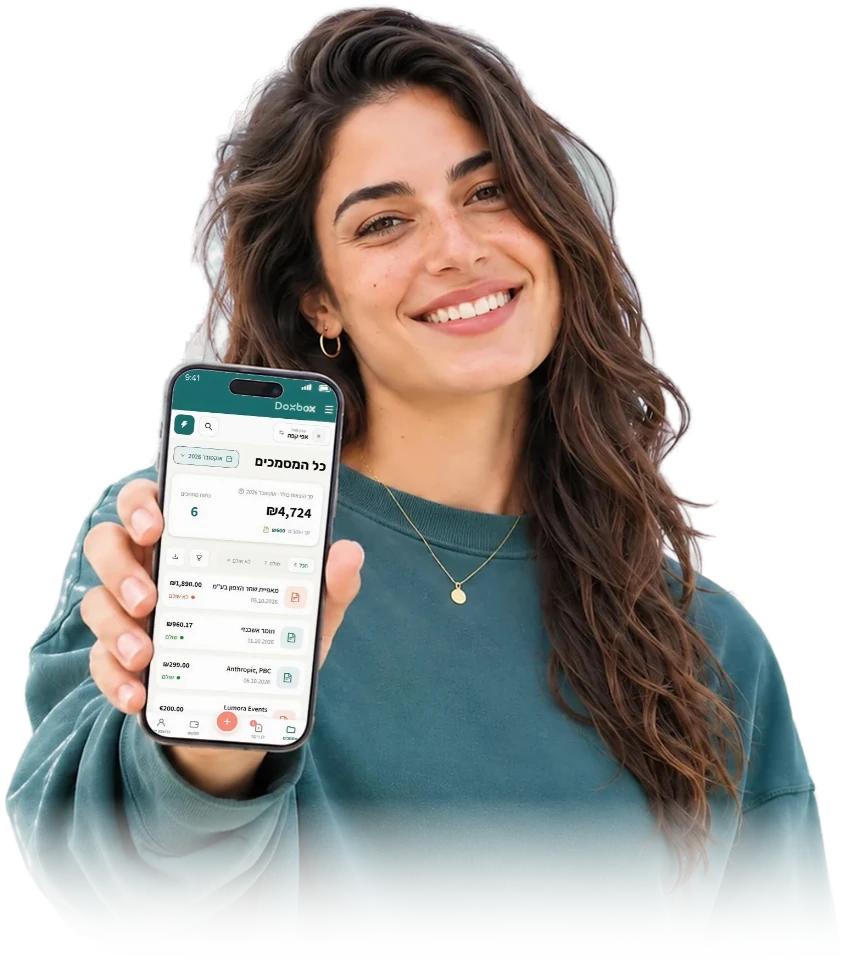
A smiling business owner showing the DoxBox app on her phone
October expenses · $17,49115 documents, all received
Expected VAT refund$3,120

How it works

  1. 1

    Connect your sources

    A mailbox, a WhatsApp number, the mobile app, or uploads from your computer.

  2. 2

    Every document is scanned

    The supplier, amounts, VAT and date are read, and the document goes into its month.

  3. 3

    Work from one list

    Filter, mark paid or unpaid, and export at the end of the month.

What's in the list

Four ways in, one list

Every document is tagged with its source. However it arrived, it shows up in the same list, in the same format.

  • Received by email
  • Received on WhatsApp
  • Uploaded manually, from a computer or the app
  • Received via API
Start collecting invoices
All documents · October 2026
Gal-Net Cellular08.10$299.00Received by email
Ramat HaHayal Parking24.10$63.88Received on WhatsApp
Elco-Nad Properties Ltd.05.10$1,890.00Uploaded manually
Pixelwell Inc21.10$200.00Received via API
Sort and filterCardsTable
This monthUnpaidVAT invoiceAll tags
Favourites
This month, unpaid4
Ready to export11

Find any document in seconds

Search, sort and filter, in card or table view. Save a filter you use often as a favourite and open it in one click.

  • Sort by date, amount or supplier name
  • Filter by document type, payment status, tags and date range
  • Favourites, like “This month, unpaid”
See the list

A clear picture of expenses and VAT

The top of the list shows your total expenses before VAT, the expected VAT refund, the number of documents, and how many are waiting for review.

  • Total expenses before VAT
  • Expected VAT refund
  • Foreign currency invoices converted at the exchange rate
See your expenses
October 2026
Total expenses before VAT$17,491.00
Expected VAT refund$3,120.00
Documents15
Documents to review2

Foreign currency invoice: the amount is converted at the exchange rate.

What you can do with each document

Every document in the list is more than a file. Here's what you can do with it.

  • Payment statusMark paid or unpaid, for one document or several at once.
  • Expense typeAssign the document to an expense account from the list you set up.
  • TagsHigh, medium or low priority.
  • AttachmentsLink one document to another, like a receipt to its invoice.
  • Activity historyWhere the document came from, what changed and when.
  • SuppliersFor each supplier, see how many documents you have and how much you've spent with them.

Several businesses, one account

Switch businesses from the menu. Each business has its own documents.

Less paperwork

No more digging through email, WhatsApp and drawers.

Ready for month end

Mark what's approved for export, and export it for your accountant.

★★★★★
“Dozens of suppliers every month, and finally all the invoices land in one place.”

Tal Avrahami · Eli Avrahami Marketing and Distribution

Works best with

Invoices from emailConnect once, and your mailbox is scanned automatically. Invoices on WhatsAppSnap a photo, send it to the bot, and it's filed. Credit card matchingUpload a credit card statement and see which charges have no invoice.
Questions and answers

Questions about invoice capture

Answers to the questions that come up before you start.

Didn't find an answer? Ask our team, in the chat or on WhatsApp.
Does it handle both receipts and invoices?

Yes. VAT invoices, receipts and credit notes go into the same list, and you can filter by document type.

How do invoices get into DoxBox?

Four ways: automatic import from your mailbox, a WhatsApp message, a photo in the app, or an upload from your computer. You can also forward invoices to your personal DoxBox email address.

What about older invoices?

When you sign up, DoxBox scans the last three months of your mailbox. From the Starter plan up, the sync goes back up to a year.

What if an invoice doesn't come in properly?

The document moves to “Documents to review” with the reason: missing details, a missing date or a duplicate. You fill in the details right on the document page.

How do I find a specific document?

Search, or filter by document type, payment status, tags and date range. You can save a filter you use often as a favourite.

How long are documents kept?

Documents stay available to view even if the subscription ends or is paused, and the account moves to the Lite plan.

Are my documents stored securely?

Yes. Files are stored encrypted, and only you and the people you allow, like your accountant, can access them.

  • No credit card
  • 30-day trial
  • Free plan for small businesses

Let DoxBox gather your invoices
in one place

Start free
A smiling business owner holding a phone in one hand and a package in the other