
How to Collect and Store Business Documents Automatically (Even from WhatsApp!)
Stop chasing files! Learn how to collect and store business documents automatically via email, WhatsApp, and AI. Stay audit-ready and secure with DoxBox.

In this article
Running a modern business means dealing with documents from everywhere: email, messaging apps, cloud drives, and more. The result? Files scattered across multiple platforms, and hours wasted trying to track them down.
That’s where automated document collection comes in. With DoxBox, your business documents organise themselves, even those sent via WhatsApp.
The Multi-Channel Mess
Clients and suppliers don’t always send documents the same way. One invoice arrives by email, another as a WhatsApp photo, and yet another buried in a shared folder. Without digital document storage software and a business financial organisation platform, important receipts slip through the cracks and tax season becomes a nightmare.
Smart Automation to the Rescue
DoxBox solves this with seamless, automatic collection:
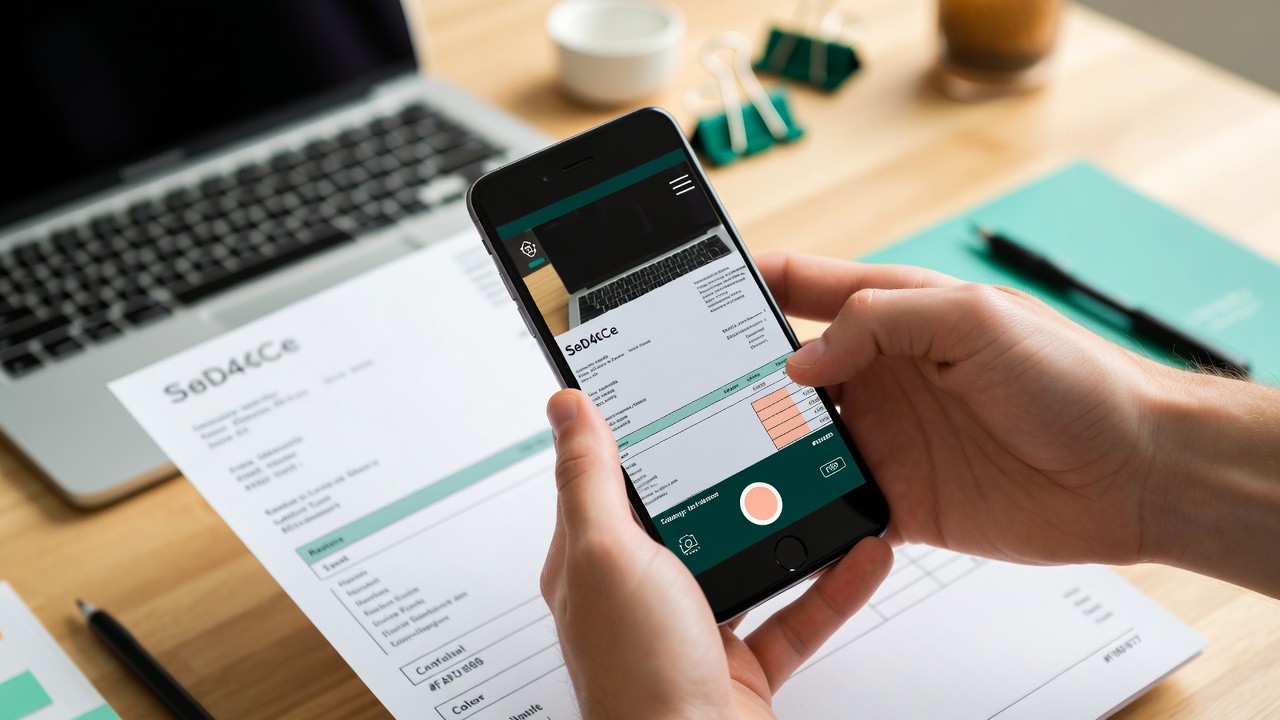
1. Connect your email and WhatsApp - DoxBox automatically detects and imports invoices, receipts, and PDFs.
2. OCR Recognition: extracts supplier, date, and amount.
3. Auto-categorisation: organises documents by client, project, or month.
4. Cloud Storage: everything is safely backed up and searchable in seconds.
Cloud storage is just one component of complete document management. See how small business document management can streamline your workflow with integrated systems.
Why It Matters
• No more chasing clients for copies.
• No more screenshots and renaming files manually.
• No more “where did I save that invoice?” moments.
Your business gets organised without lifting a finger.
Bonus: Secure & Compliant
Every document stored in DoxBox is encrypted and accessible only to authorised users. Perfect for businesses that care about data security and compliance.
Get started with DoxBox today and let your documents organise themselves.
In this article