How Financial Document Scanning Helps Small Businesses Stay Compliant
“Where’s that receipt?”
It’s the question that shows up right before tax season, a review with the accountant, or an unexpected audit. Most of the time, the issue isn’t wrongdoing - it’s disorganization.
For small businesses, compliance doesn’t start with regulations. It starts with having the right documents, when you need them. That's exactly where receipt scanner software and financial document scanning make a real difference.
This guide explains how financial document scanning helps small businesses stay compliant by keeping receipts, invoices, and records organized, searchable, and secure - without paperwork stress or complex systems.
What Is Financial Document Scanning for Small Businesses?
Financial document scanning is the process of turning paper documents, PDFs, and images into organized digital records.
For small businesses, this usually includes:
Receipts
Supplier invoices
Expense documentation
Financial records needed for taxes or audits
Scanning isn’t just about converting paper to digital. When combined with OCR (Optical Character Recognition), scanned documents become usable data - searchable, filterable, and easy to retrieve.
OCR is part of a broader transformation in document processing, learn about what is data extraction automation and how AI is revolutionizing financial document management.
Instead of folders and inbox searches, everything lives in one structured place. Modern digital document storage software provides this centralized location with security and accessibility built in.
Why Scanning Financial Documents Matters for Compliance
Compliance for SMBs is mostly about readiness.
You need to be able to:
Prove expenses
Show complete records
Find documents quickly
Avoid missing or duplicate files
When documents are scattered across email, messaging apps, and physical folders, even a simple request becomes stressful.
Scanning financial documents helps by:
Centralizing records
Reducing the risk of lost documents
Making information searchable
Creating a consistent record trail
This is why small businesses are adopting business financial organization software and document management tools designed for their scale.. It turns compliance from a last-minute scramble into a background process.
Common Compliance Use Cases for Financial Document Scanning
Financial document scanning supports compliance in everyday scenarios, not just rare audits.
Common use cases include:
Receipts for tax purposes
Every expense has proof, stored and easy to find.Supplier invoices
Invoices are kept together with clear dates, amounts, and vendors.Expense documentation
Supporting records are attached directly to expense entries.Accountant handoff
Clean, complete records shared without back-and-forth. Document management software for accountants streamlines this handoff with organized, exportable records.Audit preparation
Documents are available instantly, not reconstructed under pressure.
These use cases reflect real SMB life, not regulated industries or enterprise workflows.
Receipt organization is fundamental to compliance, learn comprehensive strategies for how to organize receipts for small business to ensure complete tax readiness.
How Financial Document Scanning Works (From Paper to Record)
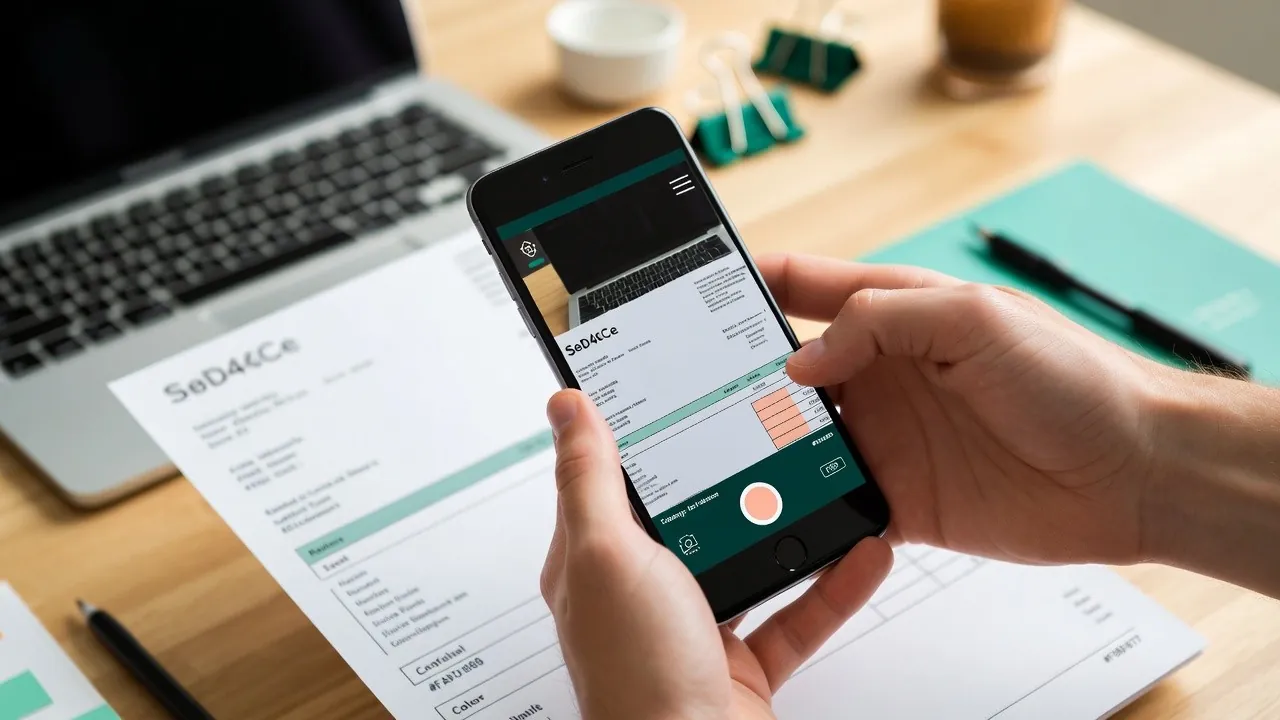
Modern financial document scanning follows a simple, practical flow.
1. Capture
Documents are captured via:
Phone photos
Email attachments
File uploads
Messages forwarded from apps like WhatsApp
No need to change how documents arrive.
2. OCR Data Extraction
OCR reads the scanned document and extracts key information such as:
Date
Vendor
Amount
Tax (when available)
This step turns images into structured records, not just stored files.
3. Categorization
Documents are automatically categorized by type, date, or expense category, keeping records consistent.
4. Secure Storage
Files are stored digitally with access controls and backups, reducing the risk of loss or damage.
5. Easy Retrieval
Documents can be found instantly using search and filters - by vendor, date, or amount.
This is what makes scanning financial documents valuable for compliance: visibility and access.
Compliance Before and After Document Scanning
Here’s how compliance typically feels before and after scanning is introduced.
Before Scanning
Receipts scattered across inboxes and drawers
Missing documents discovered too late
Manual searching and guesswork
Stress during tax season or audits
After Scanning
All documents in one place
Searchable, complete records
Faster responses to requests
Confidence instead of panic
The business doesn’t become “more compliant.”
It becomes more organized - and compliance follows naturally.
What a Compliant Document Setup Looks Like for SMBs
A compliant setup isn’t about legal complexity. It’s about outcomes.
A good setup means:
Every financial document is captured
Records are searchable and structured
Access is controlled and secure
Accountants can get what they need easily
No one needs to manage folders or remember where things are saved.
The system does that work quietly in the background.
That’s how document management for small business should feel.
Key Features to Look for in Financial Document Scanning
When evaluating a scanning setup, small businesses should prioritize:
OCR for receipts and invoices
Secure cloud storage
Fast search and filtering
Easy export for accounting
Clear access controls
If scanning creates more work, it’s missing the point.
Can Scanned Documents Replace Paper Records?
In most cases, yes.
Digital records are widely accepted for tax and accounting purposes as long as they are:
Clear and readable
Complete
Securely stored
Easy to retrieve
Specific requirements vary by country, but for most SMBs, digital record keeping is now the standard - not the exception.
Things to Know Before Setting Up Financial Document Scanning
Before you get started, keep this checklist in mind:
Start with financial documents only
Keep capture simple and mobile-friendly
Don’t scan everything - scan what matters
Prioritize retrieval, not storage volume
Make accountant access easy
The goal is clarity, not digitizing for the sake of it.
Conclusion
For small businesses, compliance doesn’t require complex systems or legal expertise. It requires organized, accessible financial records.
By scanning financial documents and using OCR to extract data, SMBs reduce errors, avoid missing documents, and stay ready for taxes and audits - without paperwork anxiety.
That’s why financial document scanning has become a foundation of modern small business operations, and why solutions like DoxBox focus on making document capture and organization feel simple, reliable, and stress-free.
Frequently Asked Questions
Are scanned receipts legal for tax purposes?
In most cases, yes. Digital receipts are generally accepted as long as they are clear, complete, and properly stored.
Is it safe to store financial documents digitally?
Yes. Secure cloud storage with access controls and backups is often safer than physical paper storage.
How long should small businesses keep scanned records?
Retention requirements vary by country, but financial records are typically kept for several years. Always follow local guidelines.
How does OCR help with compliance?
OCR makes documents searchable and structured, ensuring records are complete, accessible, and easy to verify.
א