
How to Organise Receipts for a Small Business
Stop drowning in paper! Learn the best ways to organise receipts for small business success. Automate tracking, stay tax-ready, and save time with DoxBox.
In this article
Disorganised receipts create tax headaches, audit stress, and missed deductions. This guide shows you how to organise receipts for small businesses using digital systems and automation, ensuring tax compliance, accurate tracking, and audit-ready documentation without manual hassle.
Lost receipts and shoebox filing systems create unnecessary stress for small business owners. Learning how to organise receipts for small businesses is critical for tax compliance, claiming deductions, and surviving audits. Digital receipt organisation transforms this chaos into a streamlined system that saves time and eliminates errors.
This guide shows you the best way to organise receipts digitally using expense tracking software for small businesses that captures, categorises and stores everything automatically.
Why Organising Receipts for Business Is Essential
Proper receipt management isn't optional. It's a legal requirement and financial necessity.
Tax Compliance: HMRC requires documentation supporting all business expense deductions. Without receipts, you lose legitimate deductions and risk penalties during audits.
What you must track: expense receipts for office supplies, travel receipts and meals receipts, supplier invoices, reimbursement receipts, and all credit card transactions.
Risks of disorganisation:
- Lost receipts = missed tax deductions
- Miscategorised expenses = inaccurate reports
- Difficulty with employee reimbursements
- Audit stress without proper documentation
Benefits of organisation: faster expense tracking, reduced errors, audit-ready documentation, better financial decisions, and complete financial oversight.
Receipt organisation is just one part of maintaining compliance. Learn how financial document scanning helps small businesses stay compliant across all document types.
Types of Receipts Small Businesses Should Keep
Expense Receipts: Office supplies, professional services, software, equipment, and operational costs.
Travel and Meals: Transportation, lodging, client meals, and conference fees. These need special attention for HMRC compliance.
Invoices: Purchases of goods, inventory, services, and contractor payments.
Transaction Records: Bank statement transactions, credit card transactions, and electronic payments.
Employee Reimbursements: Submissions requiring approval workflows and documentation.
Digital Records: Scanned receipts, e-receipts from online purchases, and archived receipts in digital document storage software with secure cloud backup.
Retention rules depend on your country. In the UK, HMRC requires at least 5 years for sole traders and 6 years for limited companies. Consult your accountant for specific requirements.
How To Organise Receipts For A Small Business: Step-By-Step
1. Create a Simple Filing System
Choose digital (strongly recommended), hybrid, or paper for tracking receipts for business.
Organise by category:
- Travel and transportation
- Meals and entertainment
- Office supplies and equipment
- Marketing and advertising
- Professional services
- Employee reimbursements
DoxBox automatically organises receipts by capturing them through email invoice management, WhatsApp invoice management or receipt scanner software, then categorising using AI invoice management technology.
2. Scan and Digitise Everything
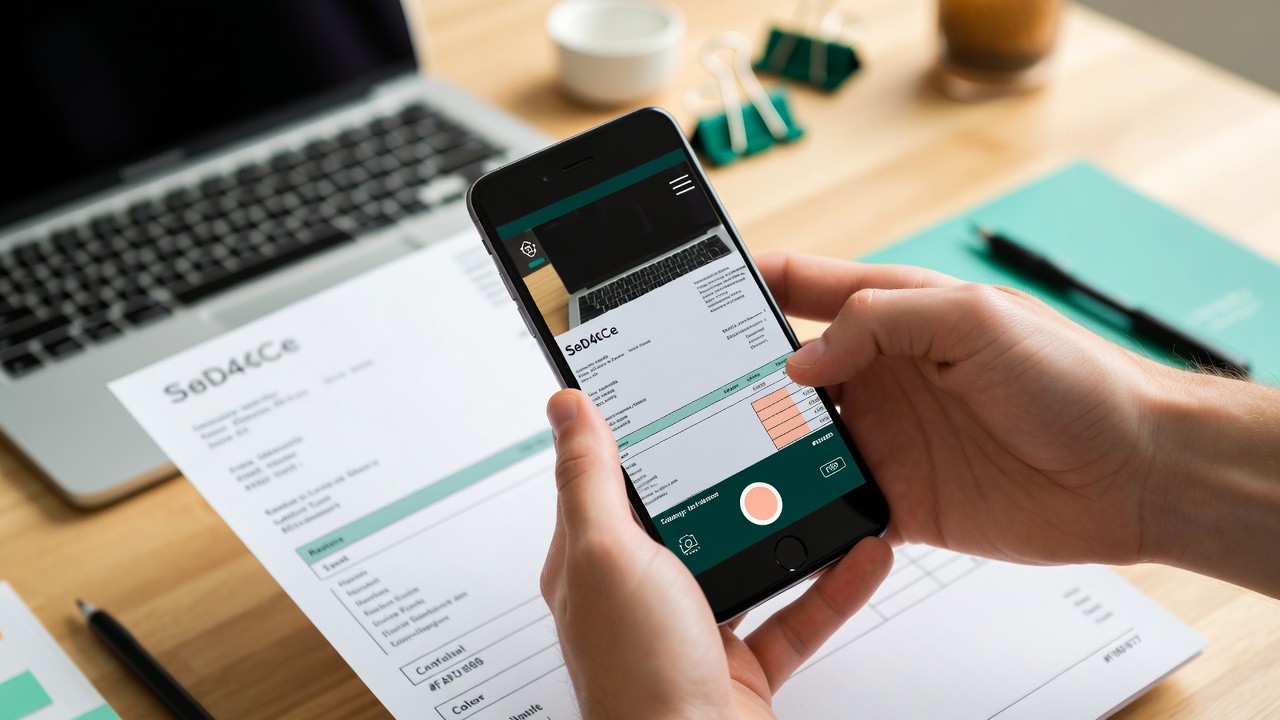
Use OCR technology to convert paper receipts into searchable digital formats. This enables instant data capture and eliminates manual entry.
Best practice: Scan receipts immediately with mobile apps. This prevents lost receipts and ensures complete records.
To understand exactly how OCR receipt scanning works for expense claims and automates data extraction, read our detailed guide on the OCR receipt scanning process.
3. Name and Store Systematically
Use clear naming: date_vendor_category (e.g., 2025-12-09_Amazon_OfficeSupplies).
Store in cloud storage for secure access anywhere. Export the data as files your accountant imports into their accounting software.
DoxBox stores receipts with complete metadata, making retrieval instant and generating audit reports automatically.
4. Categorise Expenses
Set up categories matching your business:
- Operational costs
- Travel & meals
- Marketing
- Professional services
- Equipment and supplies
Automated categorisation reduces manual work and improves accuracy for tax purposes.
5. Automate Receipt Management
The best way to keep receipts organised is through automation that handles capturing, extracting, and categorising automatically.
Key features:
- Instant capture from photos or emails
- Automated approval workflows
- Real-time processing
- Bank reconciliation matching
- Reduced manual work
DoxBox's AI-powered capture processes receipts in seconds, not hours, with enhanced tax compliance.
This automation extends beyond receipts to complete expense management. See our ultimate guide to small business expense tracking for comprehensive financial automation.
6. Review and Reconcile Regularly
Schedule weekly or monthly reviews. Match scanned receipts to bank and credit card transactions to catch errors early.
This provides real-time visibility and simplifies year-end tax prep.
7. Stay Audit-Ready
Keep archived receipts and audit trails showing complete history. This ensures HMRC compliance and makes audits stress-free.
Digital storage makes multi-year retention effortless compared to physical filing.
Best Practices For How To Organise Small Business Receipts For Taxes
Scan immediately: Use mobile apps to capture receipts the moment you receive them. Waiting creates backlogs.
Forward e-receipts: Set up email forwarding so online confirmations automatically enter your system. DoxBox pulls receipts directly from WhatsApp and email, making collection effortless.
Implement approval workflows: For teams, use digital approval systems for expense submissions and reimbursements.
Use AI technology: Automated categorisation delivers time savings with fewer errors and streamlined bookkeeping.
Hand off cleanly: Export receipt data as files your accountant imports into their accounting software, to eliminate duplicate entry.
Common Receipt Management Challenges
Lost or damaged receipts
Solution: Digitise immediately and store securely in the cloud. Digital copies survive coffee spills and lost wallets.
Mixed personal and business expenses
Solution: Use dedicated business credit cards for natural separation and simplified reconciliation.
Backlogged receipts
Solution: Implement mobile receipt submission and automated categorisation. Catch up once, then maintain with automation.
Audit stress
Solution: Maintain audit-ready documentation year-round. DoxBox automatically matches receipts with transactions and creates complete audit trails.
Tools To Manage Receipts More Effectively
DoxBox: Multi-channel capture (email, WhatsApp, scan), AI-powered extraction, automated categorisation, exports for your accountant (an Excel report, a CSV file, a combined PDF and a ZIP file), and secure cloud storage. Built specifically for small businesses.
Other options: Shoeboxed, QuickBooks, Xero, and various mobile expense apps.
Essential features:
- Accurate OCR extraction
- Secure cloud storage
- Automated expense reports
- Real-time approvals
- Easy export for accounting
- Scalability
The best way to organise business receipts combines automated capture, smart categorisation, and clean exports for your accountant: exactly what DoxBox provides.
Conclusion
Learning how to organise receipts for small businesses doesn't have to overwhelm you. Start with digital organisation, automate capture and categorisation, and maintain consistent habits.
Scan immediately, categorise automatically, store securely in the cloud, and generate audit trails. This creates tax-compliant records that are always audit-ready.
Digital organisation saves hours weekly, improves accuracy, enhances compliance, and provides better financial insight. Whether you handle 50 or 500 receipts monthly, automation scales effortlessly.
Stop stuffing receipts in shoeboxes. Implement smart practices for organising receipts for business and experience the difference organised finances make.
Ready to eliminate receipt chaos? DoxBox automates receipt capture, categorisation, and storage while ensuring complete tax compliance. Start organising smarter today.
Transform receipt management today. DoxBox captures, categorises, and stores receipts automatically, ensuring tax compliance without manual work. Try it for free now.
Quick questions
How To Separate Receipts For Taxes For A Small Business?
Categorise into expense groups: office expenses, travel, meals, vehicle, professional services, marketing, and equipment. What you can deduct, meals included, depends on your country, so check with your accountant. Use separate business credit cards for natural separation. Digital tools like DoxBox automatically categorise based on supplier and amount, making tax separation effortless.
What Is The Easiest Way To Keep Track Of Receipts?
Use automated digital capture and categorisation. Scan with mobile apps immediately, forward e-receipts via email, and let AI systems organise everything automatically. Cloud solutions like DoxBox eliminate manual filing while keeping receipts searchable, secure, and accessible.
Where To Buy Receipt Organisation Supplies For Entrepreneurs?
For digital organisation (recommended), you only need software. Physical supplies like accordion folders are available at office stores, but software to scan and organise receipts is far more efficient, searchable, and audit-friendly. Invest in digital tools, not filing cabinets.
Are Receipt Scanning Apps Actually Worth It?
Absolutely. Apps with OCR and automated categorisation save hours weekly, reduce errors, prevent lost receipts, simplify audits, and often pay for themselves through captured deductions and reduced accounting fees. The best solutions combine scanning with categorisation, storage, and export to accounting software.
In this article