How to Keep Receipts Organized in 2026: A Practical Guide for Small Businesses
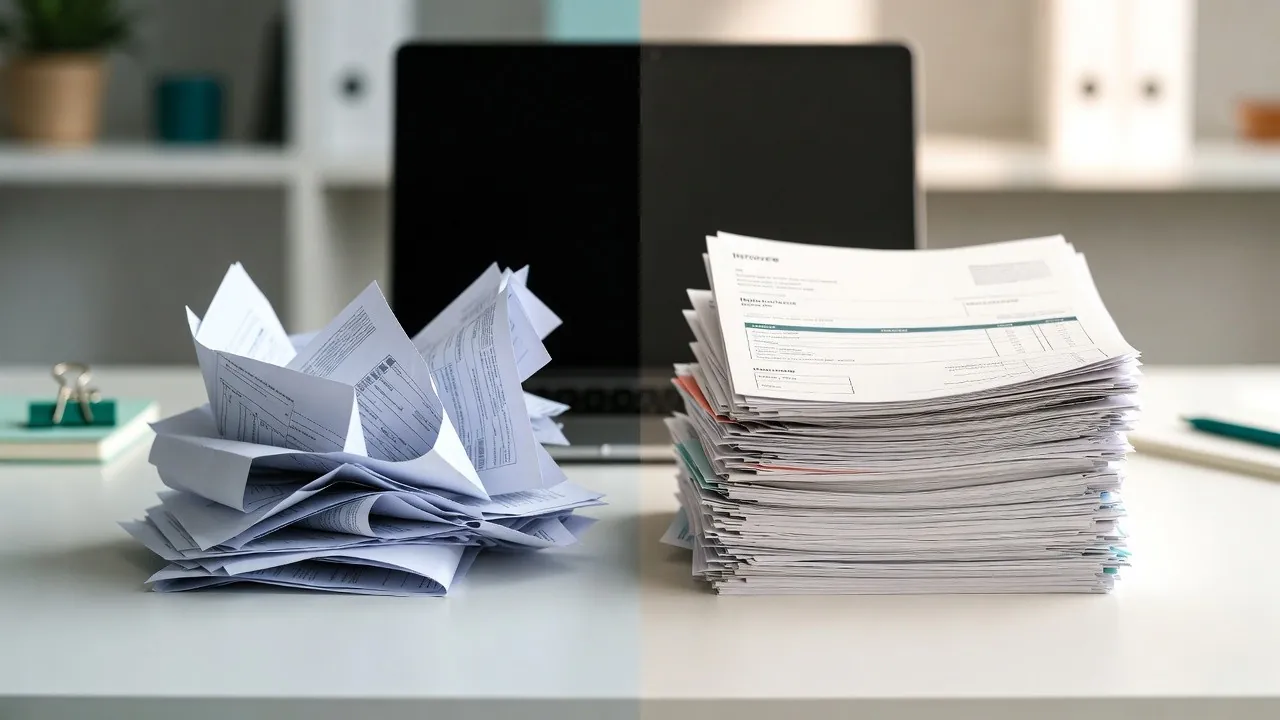
Receipts have a way of multiplying.
They show up as paper slips, PDFs in email, photos on phones, and forwarded messages in WhatsApp. Most small businesses tell themselves they’ll “sort it out later” - usually at tax time.
In 2026, that approach creates unnecessary stress.
Knowing how to keep receipts organized is no longer about having a perfect system, it's about using receipt scanner software and simple digital workflows that match how you already work. Also It is about building a few simple habits that work with how small businesses already operate, so receipts stay under control all year long.
This guide breaks it down, step by step.
Why It’s Important to Keep Receipts Organized
For small businesses, receipts are more than proof of purchase. They’re the backbone of:
Tax preparation – expenses need documentation
Compliance – being ready when questions come up
Expense tracking – understanding where money actually goes
Peace of mind – no last-minute document hunts
Modern expense tracking software for small business turns this documentation into organized, searchable records that support all these needs simultaneously. When receipts aren’t organized, problems show up late - often when there’s no time to fix them calmly.
Good organization prevents those moments before they happen.
How Receipt Organization Has Changed by 2026
Receipt organization today looks very different from even a few years ago.
Three big shifts define 2026:
Digital-first receipts
Most receipts now arrive digitally - email, apps, PDFs - sometimes without any paper involved.
Mobile capture
Phones are the primary capture device. Waiting to scan later usually means forgetting entirely.
OCR and automation
Receipts aren’t just stored as images. Key details (date, vendor, amount) can be extracted automatically.
The result: organization happens continuously, not once a year. This is why document management system software designed for small businesses focus on real-time capture rather than periodic batch processing.
These changes reflect broader trends in data extraction automation, see what is data extraction automation for insights into the technology transforming document management.
Core Principles for Keeping Receipts Organized
Instead of thinking in terms of tools, focus on principles. These work no matter what system you use.
1. One place beats many folders
Choose a single place where all receipts live. Multiple folders or inboxes create confusion and missed documents.
2. Capture early
The sooner a receipt is captured, the less likely it is to disappear.
3. Don’t rely on memory
If you’re telling yourself “I’ll remember what this was for,” you won’t.
4. Make retrieval easy
Organization isn’t about storage - it’s about finding what you need in seconds.
These principles are the foundation of any effective receipt system.
Digital vs. Physical Receipt Organization: What Actually Works
Many small businesses ask whether it’s better to keep receipts digitally or physically. The honest answer: digital works best for most SMBs, with minimal physical backup.
Digital receipts – the default choice
Digital organization makes it easier to:
Search by date, vendor, or amount
Share records with accountants
Avoid faded or lost paper
Prepare for taxes without panic
Modern receipt scanner software makes digital capture effortless, turning phone photos and email attachments into organized, searchable records automatically.
Physical receipts – when they still matter
Paper receipts can still be relevant when:
A vendor only provides paper
Local regulations require originals (less common)
In practice, most businesses scan paper receipts and keep them only temporarily.
The best way to organize receipts for small business in 2026 is digital-first, with simple backups.
A Simple Digital Workflow for Organizing Receipts
You don’t need a complex setup. A simple workflow looks like this:
1. Capture
Receipts are captured as they arrive:
Photo on a phone
Email attachment
PDF upload
Forwarded message
2. Store
All receipts go into one centralized location using business financial organization software that keeps everything accessible and secure.. No sorting yet, just capture.
3. Extract data
OCR reads the receipt and pulls out key information:
Vendor
Date
Amount
This turns a file into usable data.
To understand the technology behind this automated extraction, explore our detailed explanation of how OCR receipt scanning works for expense claims.
4. Categorize
Receipts are grouped by expense type, month, or business category.
5. Review regularly
A quick review keeps everything accurate and complete - no surprises later.
This workflow supports keeping track of business expenses without adding daily admin.
Common Receipt Organization Mistakes to Avoid
Even disciplined businesses fall into the same traps:
Saving receipts without context
Creating too many folders
Waiting until year-end to organize
Mixing personal and business receipts
Relying on bank statements instead of receipts
Avoiding these mistakes is often more impactful than changing software.
How Organized Receipts Make Tax Time Easier
Tax time is where receipt organization pays off the most.
When receipts are organized:
Expenses are already documented
Missing items are obvious early
Accountants don’t need to chase files
Reviews are faster and calmer
Instead of scrambling, tax prep becomes a confirmation process.
That’s the real benefit of organizing receipts for tax time - less stress, fewer questions, and more confidence.
Tax compliance is just one aspect of document compliance, learn how financial document scanning helps small businesses stay compliant year-round across all requirements.
Conclusion: Start Simple and Stick With It
Learning how to keep receipts organized isn’t about finding the “perfect” system. It’s about choosing something simple and sticking with it.
Start early. Capture consistently. Keep everything in one place. Review occasionally.
Tools like DoxBox are designed to support these habits by helping small businesses capture, organize, and extract receipt data automatically, without changing how they already work.
The best receipt system is the one you actually use.
Frequently Asked Questions
How do I organize receipts for small business taxes?
Capture all receipts digitally, keep them in one place, and make sure key details (date, vendor, amount) are easy to find.
Is it better to keep paper or digital receipts?
For most small businesses, digital receipts are easier to store, search, and share. Paper is usually only needed temporarily.
Can I use bank statements instead of receipts?
Bank statements show payments, not what was purchased. Receipts are still required for proper documentation.
What’s the simplest way to store receipts electronically?
A single digital location with automatic capture and basic categorization is usually enough.